
Custom App vs Plugin Ecommerce: Which Fits?
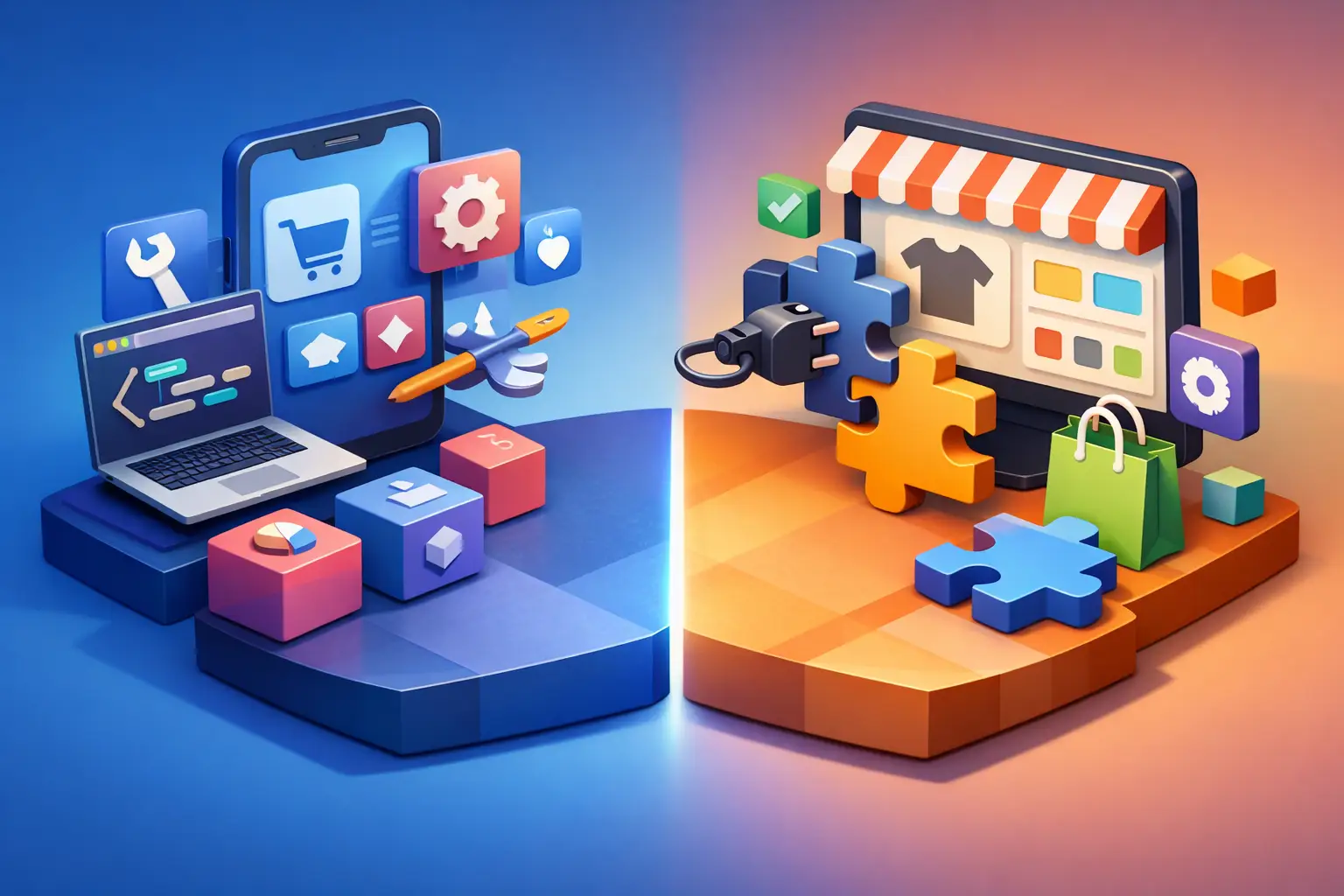
A plugin looks cheap right up until it starts dictating how your business has to operate. That is usually the real turning point in the custom app vs plugin ecommerce decision - not budget alone, but whether your store can keep growing inside someone else’s assumptions.
For simple use cases, plugins are often the right call. They can add reviews, search, subscriptions, shipping logic, or merchandising features fast. But once your operation includes multiple inventory sources, customer-specific pricing, product customization, ERP workflows, or non-standard checkout rules, the gap between a convenient add-on and a dependable commerce system gets wide very quickly.
Custom app vs plugin ecommerce: the real difference
The surface-level difference is obvious. A plugin extends an existing platform with prebuilt functionality. A custom app is built around your business requirements, data flows, and operational rules.
The deeper difference is control. With a plugin, you are buying into a product roadmap, technical limitations, update cycles, and data model that belong to someone else. With a custom app, you are choosing to invest in functionality that matches your operation more precisely, whether that means a customer portal, a pricing engine, a configurator, or a backend workflow tool.
Neither option is automatically better. The question is whether the business process you are trying to support is standard enough to fit an off-the-shelf extension without creating downstream friction.
When plugins are the smart ecommerce choice
Plugins exist for a reason. They reduce implementation time, lower upfront cost, and can solve common needs without tying up a development team for months.
If your requirement is well understood and widely supported across your platform ecosystem, a mature plugin can be a practical solution. Think tax handling, standard subscription models, email capture, basic loyalty functionality, or common shipping integrations. In these cases, custom development can be unnecessary overhead.
Plugins also make sense when speed matters more than differentiation. If a team needs to validate a new feature quickly, a proven extension can help test demand before committing to a deeper build.
The catch is that plugin value drops when your workflows stop being standard. The more exceptions your team manages manually, the less money you are actually saving.
Good plugin fit signals
A plugin is usually the right fit when the feature is not core to your competitive advantage, your process aligns with common platform patterns, and the operational risk of a third-party dependency is low. It also helps when the plugin vendor has a strong support history, active maintenance, and clear compatibility with your stack.
That last point matters more than many teams expect. A plugin that works today but breaks during a platform upgrade can create costs that never showed up in the original estimate.
When a custom app becomes the better investment
Custom apps start making sense when ecommerce functionality needs to reflect how your business actually works, not how a generic extension expects it to work.
A common example is product personalization. Many plugins can handle simple engraving or image uploads. Far fewer can support complex configuration logic, layered product rules, live pricing adjustments, production handoff, and fulfillment-specific data outputs in a way that remains stable at scale.
The same pattern shows up in operations. If your team is moving data between disconnected systems, patching over inventory mismatches, or relying on spreadsheets to bridge order workflows, the real issue is usually architectural. A custom app can centralize those rules and automate the handoffs that are slowing down fulfillment, service, and reporting.
This is where custom development stops being a design preference and becomes an efficiency decision.
Strong custom app use cases
Custom builds are often justified when you need advanced ERP or POS integration, account-specific pricing, multi-location inventory logic, custom quoting flows, bundled or configurable product models, or role-based tools for internal teams. They also make sense when page speed, checkout behavior, or frontend flexibility directly affects conversion and existing plugins introduce too much bloat.
For growth-focused brands, that performance angle is not minor. It is common to see stores weighed down by overlapping extensions, duplicate scripts, and feature conflicts that slowly erode site speed and reliability.
The hidden cost in the custom app vs plugin ecommerce decision
Most teams compare line items first. Plugin monthly fee versus custom build estimate. That is understandable, but incomplete.
The more expensive option is often the one that creates operational drag. A low-cost plugin that forces manual exception handling, causes checkout conflicts, or limits merchandising flexibility can end up costing far more than a well-scoped custom tool.
There is also a compounding effect. Every plugin adds another dependency to manage across updates, security reviews, QA cycles, and platform changes. One extension is manageable. Ten to fifteen business-critical extensions with overlapping responsibilities is where stores become fragile.
Custom apps have their own cost profile, of course. They require discovery, engineering, QA, ongoing maintenance, and thoughtful architecture. Badly scoped custom work can become expensive quickly. But when the business need is durable and central to growth, owning the right functionality often produces a cleaner long-term cost structure than stacking workaround after workaround on top of a standard platform.
How to evaluate the right path
The best way to approach custom app vs plugin ecommerce is to assess business criticality, complexity, and lifespan.
Start with the role of the feature. If it supports a standard function and does not materially differentiate the customer experience or operating model, a plugin is likely enough. If it touches conversion, fulfillment accuracy, pricing logic, or internal efficiency in a major way, it deserves closer scrutiny.
Next, look at process complexity. A single straightforward rule can often live comfortably inside a plugin. A feature with layered logic, user-specific behavior, system dependencies, and edge cases usually needs custom architecture to stay reliable.
Then consider lifespan. If this is a short-term experiment, avoid overbuilding. If it is a capability the business expects to rely on for years, building for maintainability and scale becomes much more rational.
Questions worth asking internally
Before making the call, ask whether the requirement is truly standard, whether staff is currently compensating for system gaps, whether the feature needs to integrate deeply with other systems, and whether performance or flexibility is already being constrained by your existing plugin stack. Those answers usually make the right direction clearer.
Platform matters, but architecture matters more
Different platforms create different extension ecosystems. Shopify, Magento, and BigCommerce all offer strong plugin or app marketplaces, but marketplace availability should not decide your architecture by itself.
A large plugin ecosystem is helpful when your needs are common. It is less helpful when your store includes specialized fulfillment rules, custom customer journeys, or heavy backend orchestration. In those cases, the quality of your data model, integration strategy, and application architecture matters more than how many add-ons are available.
This is one reason platform-neutral planning tends to produce better outcomes. The right answer is rarely “always buy apps” or “always build custom.” It is usually a hybrid model where standard functions are handled with stable third-party tools and high-value business logic is developed as a controlled custom layer.
That balance is where experienced commerce teams usually land.
A practical decision framework for growth-stage brands
If you are under pressure to launch quickly and your requirements are conventional, start with the plugin. Choose carefully, keep your stack lean, and avoid overlapping tools.
If the feature is tied to revenue mechanics, customer-specific workflows, or operational complexity, pause before installing another extension. Model the long-term cost of exceptions, maintenance, and performance loss. That is often where the case for custom development becomes obvious.
If you are somewhere in between, do not force a binary decision. Many of the strongest ecommerce systems combine both approaches. A store might use plugins for commodity features and a custom app for account logic, personalization, workflow automation, or integration middleware. That approach can preserve speed without sacrificing control.
For companies scaling beyond basic ecommerce, that blended model is often the most commercially sound path. It keeps the stack practical while protecting the areas where technical limitations would otherwise cap growth.
Lantera often works with brands at exactly this stage - where the store is functional, but the architecture is starting to resist the business. That is usually the moment to stop asking what is cheapest to install and start asking what will still work cleanly two years from now.
The best decision is the one that reduces friction where your business feels it most, whether that means using a plugin with discipline or building custom with intent.